Desktop app
Birdfeet, in a window of its own.
On a Mac you get a real Birdfeet app for your Applications folder. On Windows or Linux a small launcher file does the same job.
Birdfeet for your computer
A Mac app, or a launcher for Windows and Linux. Free with your account.
On a Mac, download Birdfeet-mac.zip, unzip it and drag Birdfeet.app into Applications. On Windows or Linux, download Birdfeet.html and open it. Either way Birdfeet opens in a window of its own, signed in and ready.
macOS 11 or newer, Windows 11 or Linux.


The Mac app is unsigned, so the first launch needs right click then Open. It opens Birdfeet with your account and your feed already there.

Birdfeet is listed on TryMacApps, Mac App Index and MacBase, three directories of Mac apps.
Release history
Version 1.0.0 is the first release. The download always opens the current version.
1.0.0Current
November 2026
First release: feed, groups, replies, profiles, live rooms and the Birdy assistant.
What it looks like

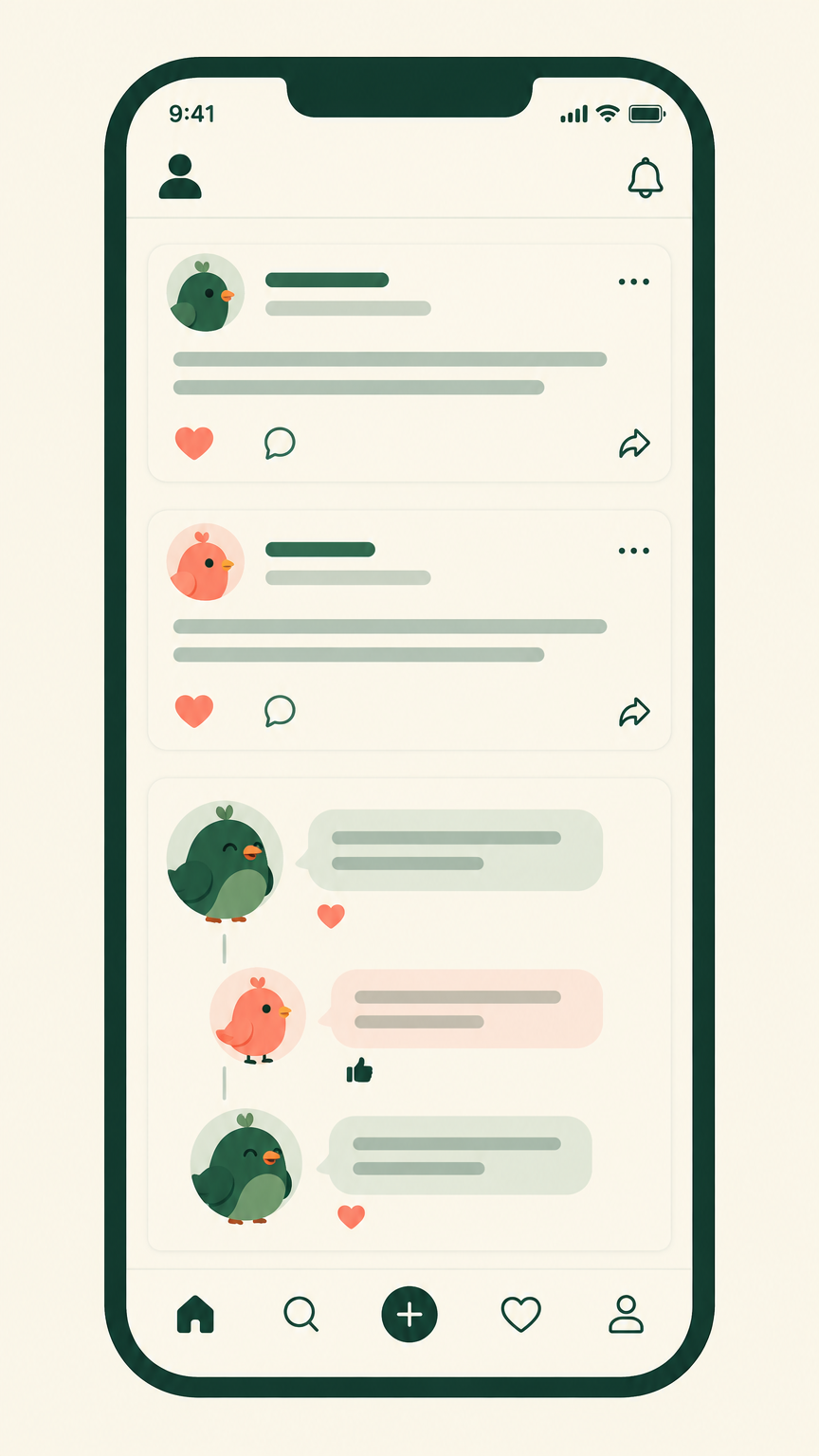
Birdy is the green bird from the app icon. It turns up in the corner of every page to help you shape a post, with a heart, a thumbs up and a laugh.
Do I need to install anything?
No. Birdfeet runs in your browser, on a phone or a laptop, with the same account. The launcher file simply gives it a window of its own, so it sits in your dock or taskbar instead of hiding in a tab.